

Survey, rack layout, UPS and PDU, airflow and documented handover
System Cabinets and Network Racks in Antalya
We plan wall cabinets, enterprise network racks and server cabinets for offices, hotels, factories, warehouses and multi-site organisations, coordinating usable depth, load, power, cable management and maintenance access.
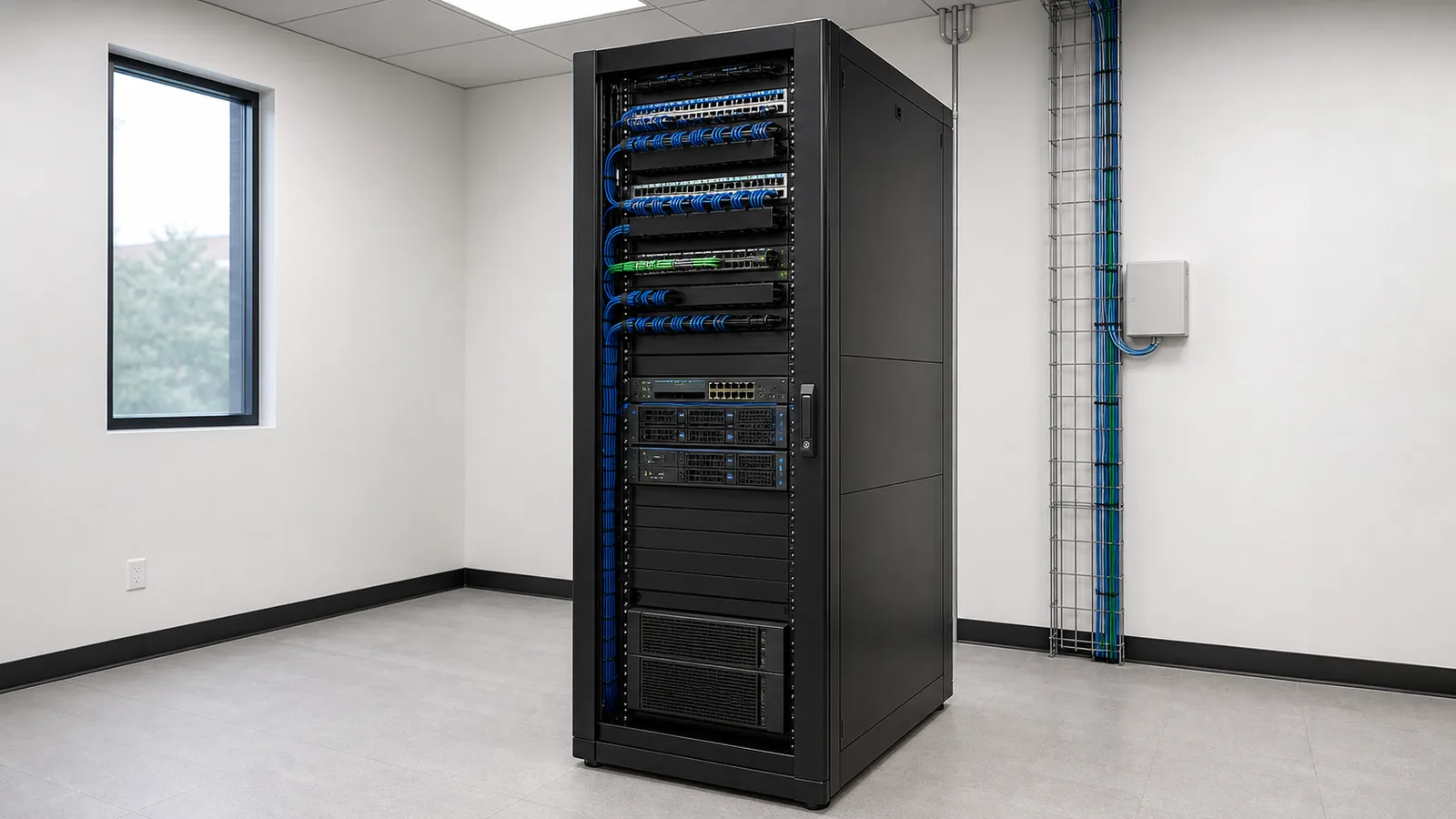
Send Your Equipment ListA suitable system cabinet brings equipment dimensions, load, power distribution, airflow, cable routes and maintenance access into one rack layout. Representative visual.
Direct answer
Choosing a system cabinet requires more than adding rack units
A system cabinet or network rack provides a secure and maintainable home for switches, patch panels, routers, firewalls, servers, storage, UPS equipment and their connections. A suitable rack must account for each device’s rack height, actual depth, weight, cable bend space, front and rear service clearance, power feed, heat output and future growth. The process therefore starts with the equipment list and site conditions, not with a cabinet selected from a catalogue in isolation.
Cabinet format
Three rack approaches for different operating environments
The largest device is an important constraint, but cable density, maintenance method, physical security, total load and the expected upgrade path also determine the rack format.
WALL-MOUNT
Small distribution points
A wall cabinet can save floor space at a branch, retail site or floor distributor with a limited patching and switching load. Wall strength, equipment depth, door movement and incoming cable weight are verified before installation.
FLOOR-STANDING
Enterprise network rack
A floor-standing cabinet provides better access where multiple switches, firewalls, UPS equipment, dense patch panels and growth capacity share one rack. Width and side clearance are checked for vertical cable managers and zero-U rack PDUs.
SERVER RACK
Deep and heavy equipment
Servers, storage and rail-mounted equipment make usable internal depth, static load, castors or levelling feet, anchoring, perforation and cooling critical. Rail-kit compatibility is confirmed against the selected cabinet.
Survey and delivery scope
The decisions we coordinate from cabinet sizing to commissioning
Rack units and spare capacity
Active devices, patch panels, shelves, cable managers and blanking panels are shown on a rack elevation. Spare U capacity follows a realistic growth plan.
Width and usable depth
Rails, power plugs, rear connectors, fibre bend radius, door closure and cable space are added to the device body. Nominal depth is not treated as usable depth.
Load and physical security
Device, UPS and battery weights are checked against the rack, wall or floor. Anchoring, access control, lockable doors and removable panels are reviewed.
UPS, rack PDU and supply
Power feed, protection, socket type, PDU loading, A/B supply needs, UPS runtime and maintenance clearance form one power-distribution plan.
Airflow and temperature
Equipment intake and exhaust directions, door perforation, room cooling, blanking panels, cable openings and hot-air recirculation are assessed together.
Cable management and bonding
Copper, fibre and power routes use suitable horizontal and vertical managers, patch-cord lengths, entry plates, identifiers, bend control and bonding.
Power and airflow
A tidy rack is not automatically well cooled or safely powered
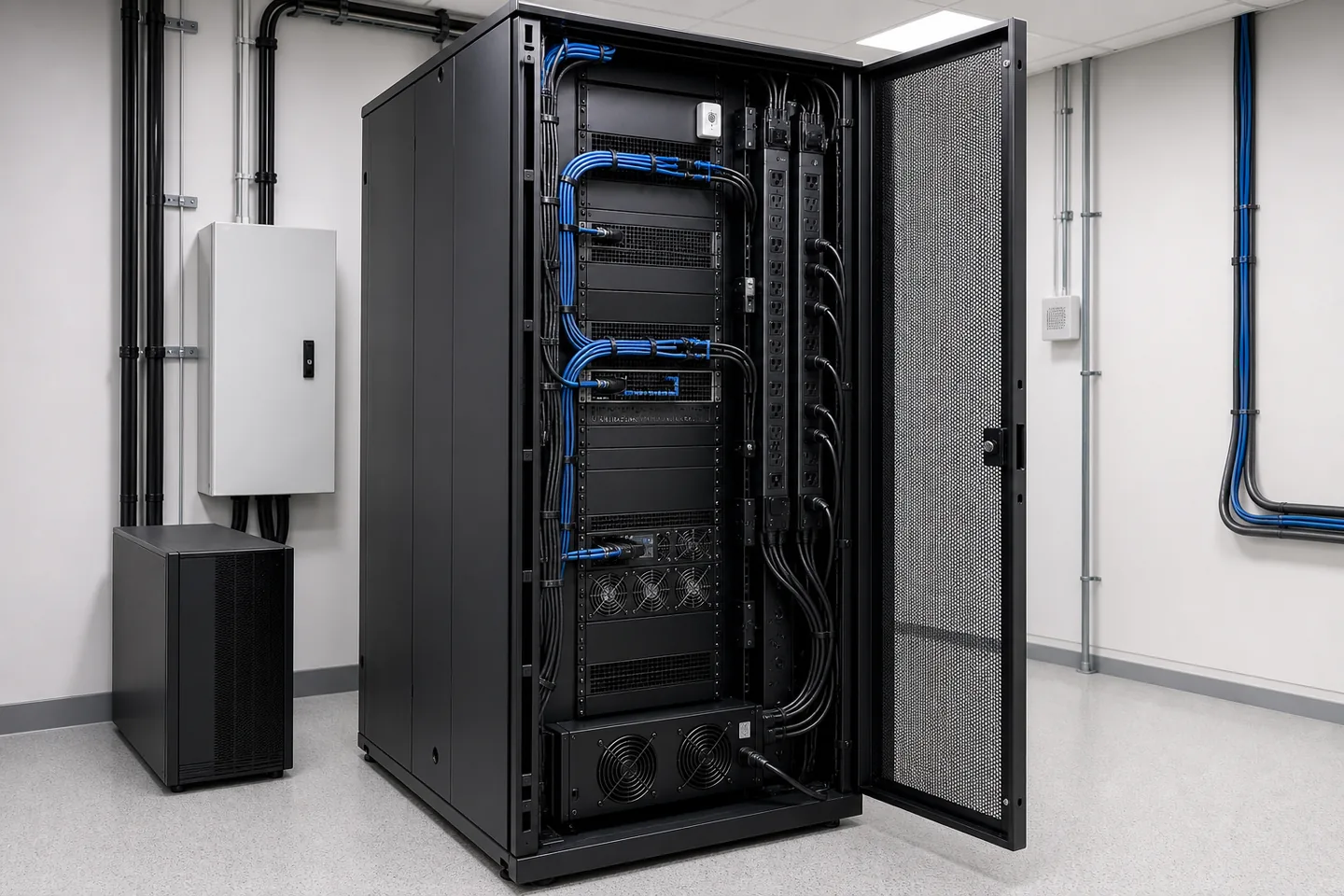
Rack PDU selection considers current, phase, plug and outlet types, cable length, monitoring requirements and whether equipment has single or dual power supplies. The PDU must not obstruct server rails or rear connectors. Airflow planning starts by identifying where every device draws cool air and releases hot air. Door perforation, room or rack cooling, blanking panels and cable openings are then arranged to reduce exhaust-air recirculation.
Schneider Electric’s rack and power-distribution guides connect PDU selection with connector, phase, loading and monitoring requirements. Vertiv presents blanking panels for unused rack positions as part of controlling airflow through the cabinet. Final choices are checked against the current installation instructions for the selected rack, PDU and active equipment.
Pre-purchase checks
Four values that should be verified before the cabinet is ordered
Rack elevation and net U space
Patch panels, managers, shelves and equipment are sequenced. Heavy devices stay low, frequently serviced connections remain reachable, and any airflow spacing follows equipment guidance.
Deepest device and rail range
Power plugs, cable turns and rail allowances are added to the chassis depth. Four-post adjustment range, doors and rear working space are verified.
Total load and supporting surface
The cabinet, equipment, UPS and battery weight are combined. Raised floors, plinths, castors, levelling feet and anchoring requirements are reviewed for the site.
Power and heat budget
Typical and maximum device power, rack PDU and UPS capacity, redundancy, required runtime and resulting heat load are assessed as one operating model.
Practical note: “A 42U rack is sufficient” is not a complete specification. Usable depth, load class, door perforation, rail compatibility, PDU position, cable density and service clearance must also match the project.
Delivery process
Six controlled stages from survey to documented handover
- 01
Requirements and inventory
Device models, dimensions, weights, rack units, power inputs, port counts, current rack issues and growth expectations are recorded.
- 02
Site survey
Room and access dimensions, floor or wall, delivery route, cable entries, electrical feed, temperature, dust, humidity and site restrictions are verified.
- 03
Rack and power layout
The elevation covers rails, UPS, rack PDU, patch panels, switches, firewalls, servers, fibre trays, cable managers and agreed spare space.
- 04
Installation and migration plan
Assembly, anchoring, bonding, electrical readiness, cable transfer, outage window, port sequence and rollback steps are defined before live work begins.
- 05
Organisation and checks
Equipment is installed, power and data routes are separated, suitable patch cords are used, airflow paths remain open and connections are commissioned in a controlled order.
- 06
Identification and records
The final rack elevation, device list, port and power records, photographs, open items and change notes are reconciled with the delivered installation.
Operating environments
The same 42U rack does not create the same design at every site
Hotels and tourism
Floor distributors, Wi-Fi, IPTV, telephony and cameras operating around the clock make backup power, phased migration and clear port records important.
Factories and industrial sites
Dust, heat, vibration, production outages, IT/OT separation and field cabinets affect enclosure protection, filtering, fibre isolation and physical security.
Offices and headquarters
User, meeting-room, access-point and server density is translated into patch-panel, switching, UPS, service-access and growth capacity.
Warehouses and logistics
Long distances, storage aisles, cameras and handheld terminals may require a central rack with fibre-fed field distribution cabinets.
Agriculture and greenhouses
Humidity, temperature, chemicals, outdoor routes and remote buildings influence cabinet protection, ventilation, fibre isolation and surge protection.
Multi-site organisations
A shared rack elevation, port naming, PDU plan and handover template give a central IT team a consistent operating method across branches.
Live rack reorganisation
Service continuity comes before appearance when an active rack is reorganised
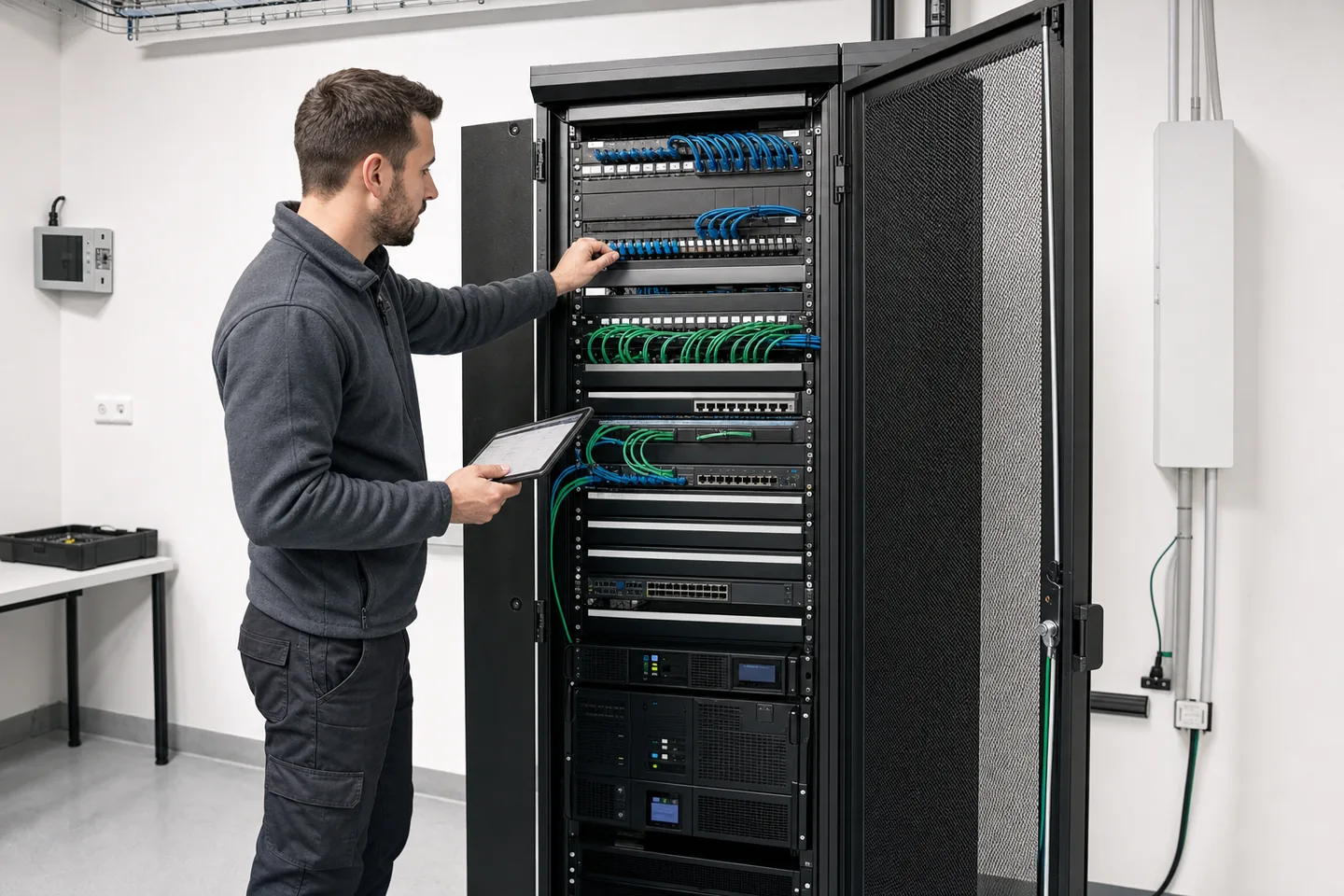
Before any cable is moved, the service behind each connection, device power dependency, approved outage and rollback method are identified. Disconnecting unknown links merely to make the rack look better can create an avoidable interruption. During an agreed maintenance window, suitable patch-cord lengths, horizontal and vertical managers, PDU position, equipment order, labels and records are corrected together. Critical or unidentified connections retain a documented fallback.
The final review confirms that doors close, rails and power plugs do not collide, cable bundles do not block airflow, heavy equipment is secure and sufficient working space remains for routine maintenance.
Comparable proposals
What should be included when comparing network rack prices?
A useful proposal identifies the cabinet brand and dimensions together with delivery and assembly, anchoring, rails and shelves, ventilation, UPS, rack PDU, bonding, cable managers, patch cords, identification, live-system migration, out-of-hours work and handover records. Active equipment, new electrical circuits, room cooling, construction work or manufacturer-specific warranty requirements should be separated when they are outside scope.
- Cabinet and accessories
- Rack units, width, depth, load, doors, panels, shelves, rails and fans
- Power
- UPS, rack PDU, connectors, feeds, redundancy and bonding
- Implementation
- Delivery, anchoring, migration, patching and outage planning
- Handover
- Rack elevation, port and power records, photographs and open items
Service area
On-site support throughout Antalya and project delivery across Turkey
Surveys and installations can be planned in Muratpasa, Kepez, Konyaalti, Dosemealti and Aksu, as well as Kemer, Serik and Belek, Manavgat, Alanya, Kas, Kumluca, Finike, Demre, Elmali, Korkuteli, Gazipasa and other Antalya districts. Factories, warehouses, hotels, retail sites and branch projects elsewhere in Turkey can use a shared rack-layout, identification, port-record and handover standard.
Frequently asked questions
System cabinet, network rack, UPS-PDU and reorganisation answers
What information is needed for a system cabinet quotation?
Please provide the site address, equipment list and dimensions, expected U requirement, rack location, available floor or wall space, UPS and power needs, incoming cable quantities, cooling conditions, access restrictions and growth plan. Photographs and a basic room plan help the first review, but final dimensions, load, routes and clearances should be verified during a survey before procurement.
How many rack units should the cabinet provide?
Add the U height of every rack-mounted device, patch panel, cable manager, shelf, UPS component and planned blanking panel. Then reserve practical space for airflow, maintenance and future equipment. The spare allowance is not a fixed percentage for every site; it depends on the growth horizon, device form factors and whether the rack can be expanded or replaced without disrupting the operation.
How are cabinet width and depth selected?
Depth is checked against the deepest device, rail adjustment range, front and rear connector clearance, cable bend radius, PDU position and door closure. Width is reviewed for vertical cable managers, high cable density and side access. Nominal rack dimensions alone are not enough: the usable internal depth and the selected equipment manufacturer’s mounting requirements must be confirmed.
Should we use a wall-mount or floor-standing cabinet?
A wall-mount cabinet may suit a small distribution point with limited equipment, suitable wall strength and manageable cable weight. A floor-standing rack is normally better for servers, UPS equipment, multiple switches, high patching density, deeper devices or continued growth. Load, access, anchoring, cooling and safe installation conditions are reviewed before the format is selected.
Can a UPS be installed inside the network rack?
It can be, provided the rack load, rail or shelf support, battery weight, heat output, service clearance, electrical protection and runtime plan are suitable. Heavy UPS equipment is normally placed low in the rack. Some environments benefit from a separate power cabinet or an external UPS. The decision is based on the selected model’s current installation instructions and the site’s electrical design.
How is airflow managed in an enclosed rack?
Equipment intake and exhaust directions are identified first. Perforated doors, fan units or room cooling, blanking panels, cable openings and equipment spacing are then planned to avoid recirculating hot exhaust air. Unused rack positions should not automatically be left open. Temperature should be measured at useful intake locations, and the design should follow the current limits of the installed equipment.
Can an existing untidy cabinet be reorganised?
Yes, after active links, power dependencies, device ownership, outage windows and rollback requirements are identified. The work may include inventory, port tracing, patch-cord replacement, cable-manager installation, device repositioning, PDU correction, cleaning, labelling and updated records. Unknown or critical links are not disconnected solely to improve appearance.
What documents are provided at handover?
The agreed package can include a final rack elevation, device and serial-number list, patch-panel and switch-port schedule, PDU and power-feed record, UPS notes, cable identifiers, photographs, temperature observations, open items and a change log. The proposal states the exact documents. Records should describe the delivered installation rather than an early design draft.
Do you deliver rack projects outside Antalya?
Yes. On-site surveys and installations are planned throughout Antalya, while multi-site and project-based work elsewhere in Turkey can be evaluated separately. International and English-language requests can be sent to sales@bigabilisim.com or discussed on +90 532 595 04 99. Travel, logistics, access requirements and local coordination are shown separately when they affect scope.
Technical sources: Schneider Electric APC rack and power distribution guide · Schneider Electric rack PDU selection guide · Vertiv rack airflow management · Panduit data-centre and communications-room specifications
Technical content reviewed on 26 July 2026. Product capacity, installation requirements and site conditions can change; current manufacturer documents and actual equipment dimensions are verified again before quotation and installation.
Request a system cabinet survey and rack quotation
Send your equipment list, current rack photographs, site address and target completion date. We will define rack units, usable depth, load, UPS-PDU, airflow, cable management and migration as one clear scope.